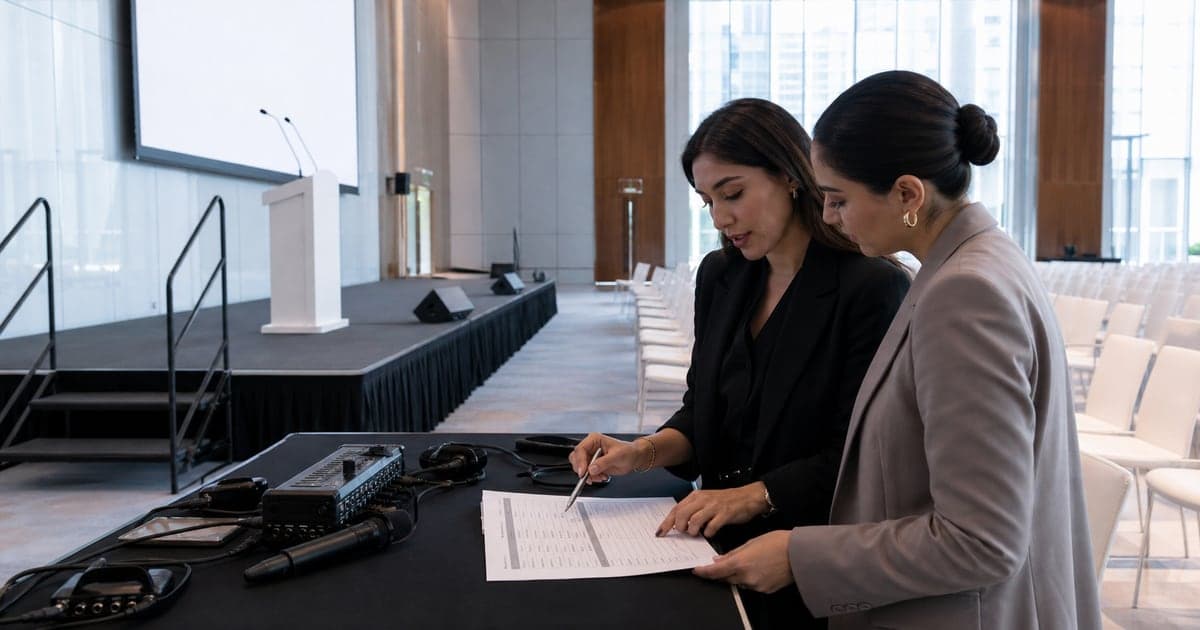
A conference agenda tells people what is happening. A working run of show tells the MC and production team how each moment will happen, who owns it, and what to do if it changes. Before doors open, I want both: a clear public programme and one detailed working document behind it.
The difference matters in a live room. "Panel discussion, 10:30" is useful to an attendee. It does not tell me which panellist is entering first, whether the moderator is already seated, what appears on screen, who releases the microphones, or who can approve a shorter close if the previous session runs late. Those are the details that keep the audience from feeling the gaps between agenda items.
An agenda and a run of show do different jobs
The attendee agenda should be easy to scan. It usually needs session names, speakers, rooms, breaks, and start times. Asana's conference agenda guidance describes that shared planning view and the value of assigning speakers and logistics in one place.
My working copy goes one level deeper. I read it as the person who has to release every live moment. I need to know what I say, what the audience sees, where the next person is waiting, and whose decision I follow when the plan changes.
I keep the attendee agenda easy to read and the run of show detailed enough to use live. Combining both usually gives one group too much and the other not enough. If you are deciding what a professional event MC actually does, this preparation is part of the answer: the visible hosting works because the invisible handoffs are clear.
Every field should answer a live question
I start with time and duration, but every row also needs a segment owner. That may be the show caller, speaker lead, or stage manager. A speaker name tells me who appears; the segment owner confirms that person is ready. The MC cue gives me the final words or action. Stage and AV cues tell production what moves or changes with that line.
Language belongs in the same row. "Bilingual" at the top of a document does not tell me whether this particular welcome is in Arabic, English, or both, or whether the next speaker needs a summary rather than a repeat. Approval ownership matters for the same reason. I should never guess who can change a title, cut a video, reorder speakers, or remove an acknowledgement.
I keep speaker and segment owner separate. For a panel, the owner may confirm the running order while the moderator confirms the discussion shape. For a keynote, a speaker liaison may know whether the guest is ready while a content lead approves an introduction change. One name cannot safely carry all three jobs.
Finally, I add a backup. It can be short: hold in place, take one audience question, move to the next speaker, use a static slide, or call the producer. The point is not to predict every problem. It is to remove the first few seconds of confusion when one happens. A good event transition plan begins inside these rows, not in a separate speech file.
Conference agenda template for the live show
This compact example shows the level of detail I want before rehearsal. The wording should stay short enough to scan at a glance. The real file can include more rows, but it should not hide the live decisions inside long notes.
- Time
- 09:00
- Duration
- 5 min
- Segment
- Welcome
- Owner
- Show caller
- Speaker
- MC
- MC cue
- Welcome, purpose, safety
- Stage cue
- MC to centre mark
- AV cue
- Opening slide down
- Language
- Arabic plus English
- Approval owner
- Event lead
- Backup
- Hold welcome for 60 seconds
- Time
- 09:05
- Duration
- 18 min
- Segment
- Opening keynote
- Owner
- Speaker lead
- Speaker
- Keynote speaker
- MC cue
- Approved introduction
- Stage cue
- Speaker enters stage right
- AV cue
- Speaker deck up
- Language
- English
- Approval owner
- Content lead
- Backup
- Move to fireside chair
- Time
- 09:23
- Duration
- 4 min
- Segment
- Session reset
- Owner
- Stage manager
- Speaker
- MC and crew
- MC cue
- Thank speaker, guide room
- Stage cue
- Lectern off, chairs on
- AV cue
- Reset sting, panel title
- Language
- English
- Approval owner
- Show caller
- Backup
- Audience question from floor
The template is deliberately specific about ownership. If the keynote speaker is not at the stage entrance, I look to the speaker lead. If the deck is not ready, AV owns the screen state. If four minutes need to become two, the show caller or named approval owner makes that decision. I can then keep the room moving without starting a debate on comms.
I do not write full scripts into every MC cell. I use a short cue that points to the approved wording, then keep the exact names, titles, and formal lines where I can read them safely. This leaves the row scannable while protecting the details that cannot be improvised.
Asana's run-of-show template also separates timing, ownership, dependencies, and live updates. I use that same principle, but I make the MC cue and audience-facing consequence explicit. The row is not complete until I can see what the audience will experience.
I mark the document from the microphone outward
Once the first version is shared, I read only my column from top to bottom. This catches repeated introductions, missing names, long acknowledgements, and transitions that ask me to speak while a video or stage move is still happening. Then I read across each row with the stage manager or producer.
I mark names phonetically, circle the final word that releases an AV cue, and note where applause gives the next person time to enter. I also identify the moments that can absorb or recover time. If the programme slips, the schedule-recovery choices should already be visible to the people allowed to make them.
Speaker changes deserve their own pass. I confirm the current title, introduction, walk-on side, microphone, presentation file, and fallback. If someone cancels, the team should not discover the response while the audience is watching. My guide to a last-minute speaker cancellation explains how those prepared options protect the next live minute.
One current version must reach the whole team
The most detailed run of show is useless if different people are holding different versions. Before doors, I want one clearly named current file, one change owner, and one fast way to announce updates. Printed copies should carry the same version label as the shared file. Any change that affects the MC, stage, speaker, language, or AV needs to reach all five, not only the person who requested it.
This is also a useful test when choosing a corporate event MC. Ask how the MC works with the run of show, what information they request, and how they handle changes. A polished voice is valuable, but live control depends on preparation and collaboration.
Before I rehearse the wording, I trace the agenda from arrival to close and stop at any row where the next owner is unclear. Once every handoff is visible, the document has done its job: each person has the detail they need when they need it.
Rima Iskandarani
Professional bilingual Events MC based in Dubai with 10+ years of experience hosting 150+ corporate, government, and entertainment events across the GCC.
Related Articles
Event Planning
The One Thing Every Event Planner Forgets: Transition Time
Rima explains how to build transition time into an event run sheet by listing the real changeover work, measuring it in rehearsal, and defining what ready means.
MC Stories
Why the Best Events Run Behind Schedule (and Nobody Notices)
See how Rima Iskandarani recovers a late Dubai event through tighter transitions, speaker cues, decision rights, and calm audience communication.
Hiring an MC
Hiring an Event MC in Dubai: A Planner’s Complete Guide
Rima explains how to hire an event MC in Dubai: define the role, compare relevant evidence, test working fit, review scope, and confirm event-day responsibilities.